See OSHA checks on the work your crew performs. Osha Ask reviews job site video and photos against OSHA requirements and flags hazards and missing safety measures so your safety team can act.
Book a demo to explore the checks around the construction work your team handles. Start with a familiar task, work area or type of concern you want to review.
What We Can Explore
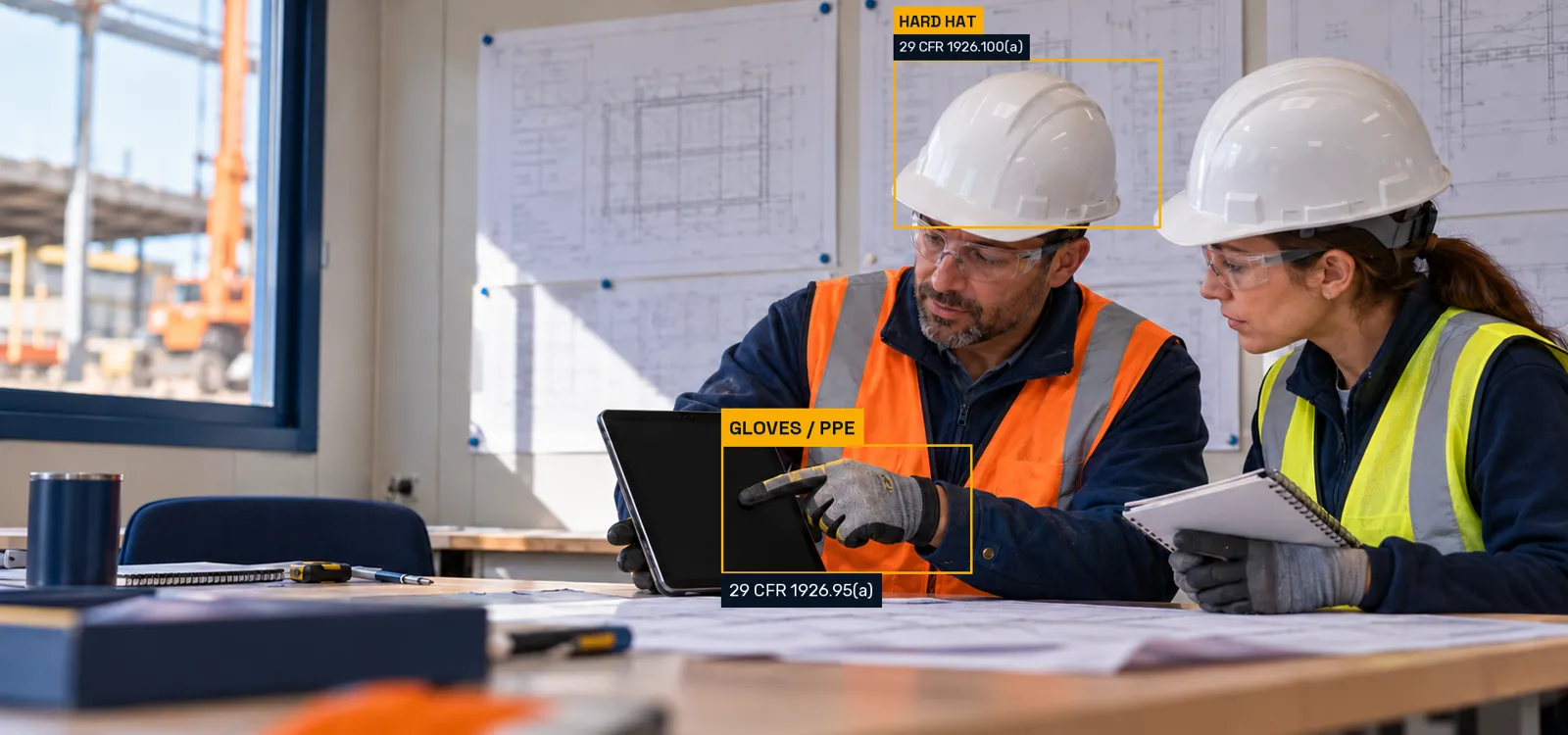
See how OSHA compliance software brings AI review to video and photos:
- Capture a view of the work area.
- Check visible conditions against OSHA requirements.
- Review flags for hazards and missing measures.
- Your safety team reviews the finding and acts.
Examples include PPE, fall protection, guardrails, ladders and trench issues. Explore AI video safety monitoring for every check and the OSHA rule behind it.
Invite The People Responsible For Safety
Invite the people who can explain the task and the safety process, such as the construction owner, safety manager or site supervisor. Their context helps connect the video review with what happens in the field.
You can describe the workflow without sending employee medical information or sensitive site material in the request. Use the demo to discuss the camera setup, recording process and privacy questions relevant to your site.
Request A Demo
contact@oshaask.com | 201-658-4255
Use the message to describe the work area or safety task you want to discuss.
Your Next Step
Tell us what your construction team wants to review. For example, review footage of a leading edge, scaffold access or a ladder at a landing. See how a flagged condition relates to the OSHA requirement your team needs to assess. For a product question first, explore the FAQ or contact Osha Ask.
Osha Ask is an independent software product and is not affiliated with OSHA or the U.S. Department of Labor.